The Tire Industry's Guide to Google Business Profile: What Actually Drives Foot Traffic
Google Business Profile is the most underused marketing tool in the tire industry. Here's exactly what to do to drive more local foot traffic to your shop.
When someone in your area searches 'tire shop near me' or 'tire rotation [your city]', the first thing they see is not your website. It's your Google Business Profile — the panel on the right side of the results page, or the map pack at the top showing three local businesses with ratings, hours, and a link to get directions.
Most tire shops have a Google Business Profile. Very few have one that's actively working for them. The difference between a neglected profile and an optimized one is not subtle — it's the difference between showing up in that map pack and not showing up at all.
This guide covers exactly what to do, in order of impact.
Why Google Business Profile Matters More Than Your Website for Local Search
For a local tire shop, most new customers start their search on Google and make a decision before they ever visit your website. They see your rating, your hours, your photos, and recent reviews in the search results. If what they see is compelling, they click for directions or call directly from the search result. Your website may never enter the equation.
This means your Google Business Profile is doing more selling than your website for a significant portion of your new customer acquisition. It deserves proportional investment.
The Basics: Get These Right First
Name, Address, Phone Number
Your business name, address, and phone number must be exactly consistent across your Google Business Profile, your website, and every other directory you appear in (Yelp, Yellow Pages, Facebook, etc.). Google uses consistency as a trust signal. Inconsistencies — even minor ones like 'Street' vs 'St.' — can suppress your local rankings.
Business Category
Your primary category should be 'Tire Shop' if that's your primary business. If you also do general auto service, add secondary categories like 'Auto Repair Shop' or 'Wheel Alignment Service'. Google uses these categories to decide which searches to show your profile for — getting them right determines which potential customers even see you.
Hours
Keep your hours accurate and update them for holidays. An incorrect 'open' status when you're actually closed creates a frustrated customer who drove to your shop for nothing. That customer leaves a one-star review and doesn't come back. More importantly, Google surfaces 'open now' results prominently — if your hours are wrong, you may be filtered out of results at times when you're actually open and available.
The Things That Actually Move Rankings
Reviews — Volume and Recency Both Matter
Google's local ranking algorithm weights reviews heavily. Not just the average rating, but the total number of reviews and how recently they were posted. A shop with 200 reviews at 4.6 stars will almost always outrank a shop with 15 reviews at 4.9 stars. And a shop that received 10 reviews last month will outrank one that received 10 reviews last year, all else being equal.
The most effective review generation strategy for tire shops is simple: ask every satisfied customer in person, immediately after service is complete. 'Would you mind leaving us a Google review? It really helps us out.' The conversion rate on this ask, made in person by a friendly counter person to a happy customer, is significantly higher than any automated email follow-up.
Print a small card with a QR code linking directly to your Google review page. Hand it to every customer at checkout. Remove every possible step between the ask and the review.
Photos — More Than You Think You Need
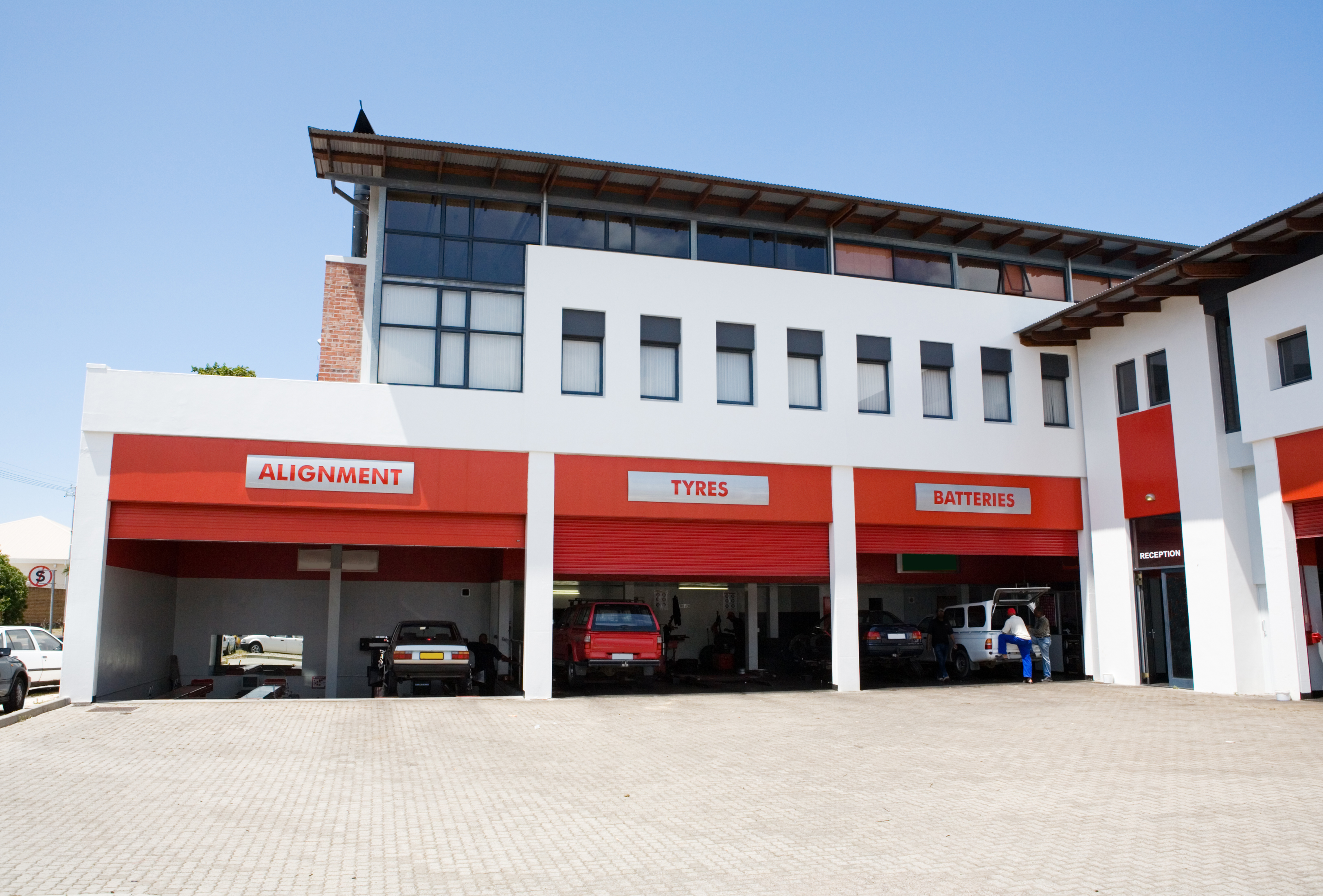
Google Business Profiles with more photos get more clicks. It's that direct. Photos signal that the business is active, professional, and worth visiting. For a tire shop, that means photos of your shop exterior, your service bays, your team, your work in progress, and finished installations.
Aim for at least 20 to 30 photos, and add new ones regularly. Google rewards profiles that show ongoing activity. A profile that hasn't had a new photo added in a year looks neglected — because it is.
You don't need professional photography. A modern smartphone in decent light is more than enough. The volume and freshness of photos matters more than production quality.
Google Posts
The Posts feature lets you publish short updates directly to your profile — promotions, seasonal offers, product arrivals, or simply a reminder that you have availability this week. Posts appear in your profile for seven days before expiring.
Very few tire shops use this feature. That's an opportunity. A shop that posts weekly — 'winter tire change-overs, book online, same-week availability' — is signaling to Google that the profile is actively managed, which improves ranking, and is presenting a compelling, timely offer to every potential customer who sees the profile.
Questions and Answers
The Q&A section of your profile lets anyone ask a question and anyone answer it. The problem is most tire shops don't monitor it, which means questions go unanswered or get answered incorrectly by well-meaning strangers.
Populate your own Q&A section proactively. Ask and answer the questions customers most commonly ask you by phone: 'Do you do same-day tire installs?', 'Do you need an appointment for a tire rotation?', 'Do you carry [Brand] tires?', 'What are your hours on Saturday?' These answers show up prominently in your profile and, again, reduce the calls you'd otherwise receive.
For Multi-Location Shops
If you have multiple locations, each location needs its own Google Business Profile, fully optimized independently. A single profile for a chain with three locations will rank for the area around one of them and be invisible for the others. Each location gets its own name, address, phone number, photos, reviews, and posts.
Consistency matters here too — the business name format, the category selection, and the description should be consistent across all locations to build brand recognition in search results.
What Not to Do
A few common mistakes that actively hurt your profile:
- Keyword-stuffing your business name (e.g. 'Smith Tires — Best Tire Shop in Columbus') violates Google's guidelines and can result in your profile being suspended
- Responding defensively to negative reviews — your response is public and potential customers read it. Keep it professional and solution-oriented.
- Letting the profile go inactive — no new photos, no posts, no review responses. Google interprets inactivity as low relevance.
- Using a P.O. box or virtual address — Google requires a real physical location for service businesses
Tireweb Retail connects your live inventory and online booking directly to your customer-facing web presence, so the customers your Google Business Profile sends to your site can check stock and book an appointment in one visit. tireweb.com/retail